Selling configurable kits on Shopify without breaking checkout, order editing or fulfillment
One kit, forty parts, one line in the cart. How we made configurable kits simple for shoppers, accurate for the warehouse and safe for staff to edit.
- Client
- Performance automotive parts retailer
- Platform
- Shopify, migrated from WooCommerce
- What we built
- Cart Transform, order editor, packing slips & invoices
Overview
A performance automotive parts retailer came to Devsoop while moving from WooCommerce to Shopify. Much of its catalog is sold as configurable kits: the customer picks a few options, and the kit ships with dozens of supporting parts included automatically.
Shopify can sell a product like this, but it does not handle the full journey out of the box. We built a system that keeps kits simple for shoppers, accurate for the warehouse, and manageable for staff.
The challenge
Every part in a kit needed to exist as its own item on the order, so stock levels, picking, returns and reporting stayed accurate. But nobody wanted to see a kit as forty separate items. That caused problems in four places:
- The cart. One kit purchase showed up as many separate lines, each with its own price.
- Pricing. Included parts had to cost nothing extra while upgrades were charged on top, and the total had to stay right even when the customer changed the kit quantity.
- Order editing. Shopify's built-in editor treats every part as an unrelated item, so swapping an option or removing a kit could break the grouping and pricing. Shopify also doesn't let apps attach the hidden labels that mark a part as belonging to a kit when items are added to an existing order.
- Paperwork. Packing slips and invoices listed every component, making them long and hard to read.
Our approach
We mapped the whole order lifecycle, not just checkout: a kit has to behave correctly when it's bought, edited, picked, invoiced, cancelled and returned. Two principles guided our decisions:
- Keep every part real. Each component stays a genuine line on the order, so Shopify's own inventory, fulfillment and returns keep working.
- Change only what people see. We cleaned up the view for shoppers, staff and customers without hiding data from the systems that rely on it.
We also kept kit setup in the client's hands. Kits are defined in Shopify admin, so the team can create and change them without a developer.
A kit has to behave correctly when it's bought, edited, picked, invoiced, cancelled and returned, not just at checkout.
When the client later explored dropping hidden parts from orders and adjusting their stock through Shopify Flow automations instead, we ran a documented feasibility review. It showed how cancellations, partial returns, order edits and duplicate automation runs could let stock counts drift unnoticed, so the client could weigh the trade-offs before committing.
The solution
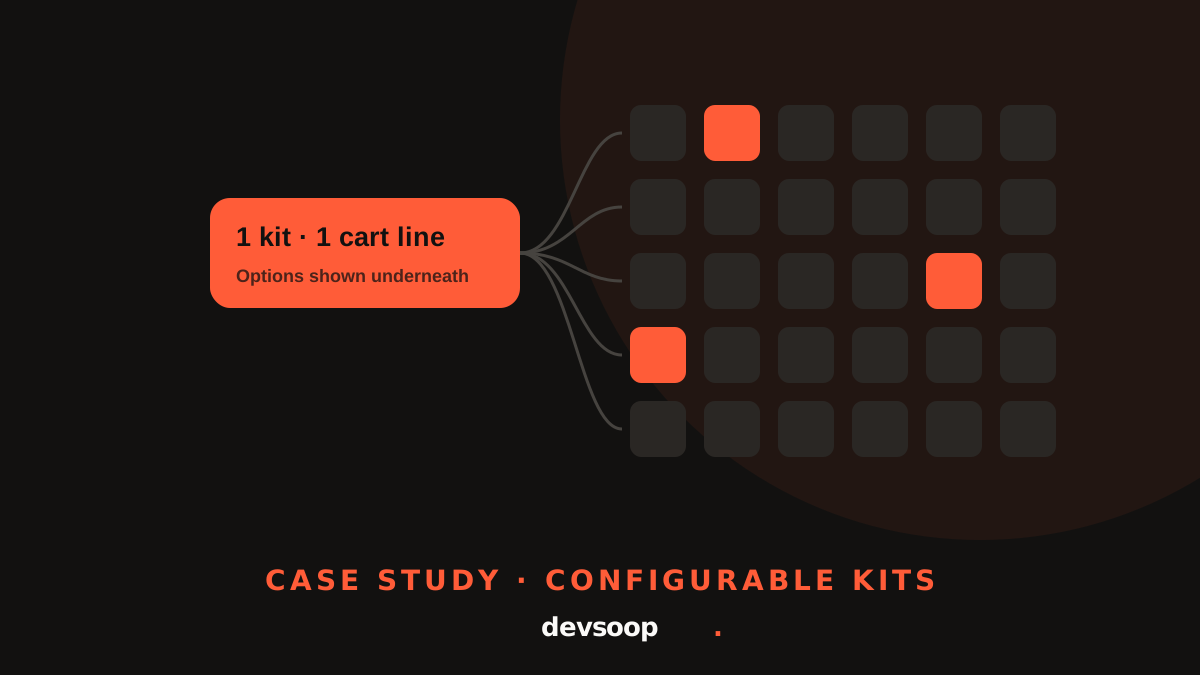
A cleaner cart. We built a Cart Transform with Shopify Functions, custom logic that Shopify runs every time the cart changes. It presents all the parts of a kit as one line with the correct price and shows the customer's chosen options underneath. We also fixed an edge case where changing the kit quantity could throw off part quantities.
An order editor built for kits. We built Admin UI extensions, custom panels that sit directly on the order page in Shopify admin. Staff see each kit as one row and can add, edit or remove kits and regular products from one place. Editing a kit opens the same configurator customers use, pre-filled with the original choices, and saving touches only the parts that changed, so everything else keeps its original price and discounts. Since Shopify won't let apps label parts added during an edit, we record kit membership on the order itself.
Safeguards for staff. The editor refuses to remove parts that have already shipped and warns staff when a kit's setup has changed since the order was placed. A companion browser extension hides Shopify's default Edit button so nobody edits a kit order the unsafe way by accident.
Readable packing slips and invoices. Packing slips and customer invoices show each kit as one line, whether the kit came from checkout or a later edit. The invoice also checks its kit summary against the order's live subtotal. If they disagree, for example after an edit made outside our tool, it falls back to Shopify's standard layout. The customer may see more detail, but never a wrong amount.
Clearer stock messaging. On kit pages, a backorder notice names any included part that's out of stock, with its expected ship date, and updates as the customer changes options.
Results
- Shoppers see one kit, one price, and their chosen options.
- Inventory, fulfillment and returns keep working on every component.
- Staff can change kits on placed orders without breaking pricing or grouping.
- Packing slips and invoices stay readable, with a check that prevents incorrect totals.
- The client manages kit setup in Shopify admin without developer help.
- The client made its inventory decision with a written risk analysis rather than finding problems in production.
Tech stack
- Shopify theme (customized)
- Shopify Functions (Cart Transform)
- Shopify Admin UI extensions
- Shopify Admin GraphQL API (order editing)
- Shopify metafields and metaobjects
- Liquid packing slip and invoice templates
- Custom Chrome extension for staff
Selling kits, bundles or configurable products?
If things are breaking at checkout, in order editing or in the warehouse, tell us about your setup and we'll walk through where it's going wrong.