Products & variants
Products, variants, images, collections and custom data mapped to Shopify products, metafields and metaobjects.
Move from WooCommerce, Magento, BigCommerce or a custom platform without losing products, customers, order history or the search rankings you've earned.
Exporting products and importing them into Shopify is the easy part. Migrations go wrong in the details: variants that don't map cleanly, custom product logic with no Shopify equivalent, broken links that wipe out years of search rankings, and staff workflows that quietly stop working.
We plan for all of it. Every URL gets a redirect, every custom feature gets a Shopify-native replacement, and the old store stays live until the new one is tested and ready.
Products, variants, images, collections and custom data mapped to Shopify products, metafields and metaobjects.
Customer accounts, addresses and historical orders imported, so reporting and lifetime value carry over.
A 301 redirect for every product, category, page and post URL, plus titles, descriptions and structured data.
Pages, blog posts and media moved with their URLs redirected and internal links updated.
Features from your old platform rebuilt with Shopify apps, Functions or custom code.
Learn more →A theme designed for Shopify from the start, or your existing design rebuilt for Online Store 2.0.
Learn more →Shopify uses a fixed URL structure (/products/, /collections/, /pages/, /blogs/), so almost every URL on your old store will change. Without redirects, Google sees thousands of broken pages and your rankings drop. We crawl the old site, build a redirect for every indexed URL, carry over titles and meta descriptions, and monitor Google Search Console after launch to catch anything we missed.
Moving from Magento or Adobe Commerce? Our Magento to Shopify migration checklist covers attribute mapping, bundles, redirects and customer accounts.
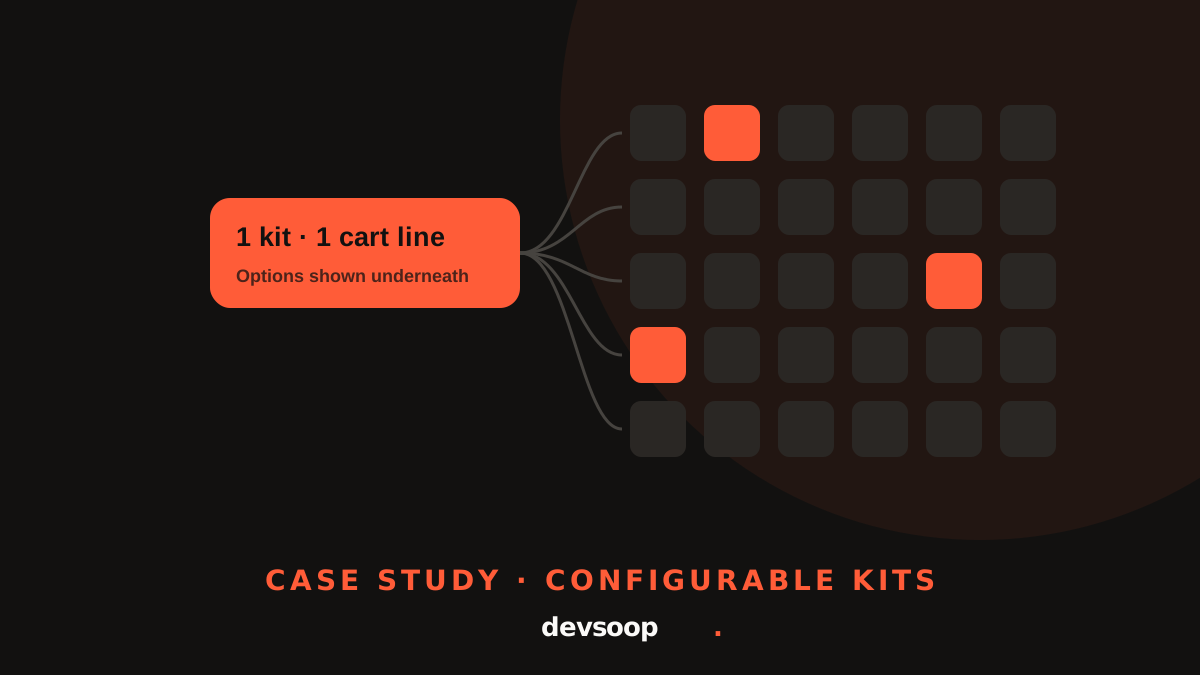
An automotive parts retailer moved from WooCommerce to Shopify with a catalog built around configurable kits of forty or more parts. Shopify didn't support that out of the box, so we built a Cart Transform, a kit-aware order editor and custom packing slips to keep kits working from checkout through fulfillment. Read the case study.
No platform can transfer customer passwords to Shopify, because they're stored encrypted. Customers keep their accounts and order history, and we set up account invite emails so they can choose a new password the first time they sign in.
Catalog, custom features, apps, integrations and every indexed URL, mapped to Shopify.
Theme, apps and data import on a Shopify store your team can review before launch.
Orders, payments, emails, redirects and integrations tested end to end, with a final data sync.
Domain cutover, then Search Console, analytics and orders watched closely in the weeks after.
Not if redirects are done properly. We set up a 301 redirect for every indexed URL, carry over titles and meta descriptions, and monitor Search Console after launch.
Yes. Customers, addresses and historical orders are imported into Shopify. Passwords are the exception: customers set a new one via an account invite email.
No. Your current store stays live while we build and test on Shopify. The switch happens at domain cutover, and we schedule it for a low-traffic window.
It depends on catalog size, custom features and integrations. We give you a timeline after the audit, once we've mapped everything that needs to move.
WooCommerce, Magento (Adobe Commerce), BigCommerce, Squarespace, Wix and custom-built platforms.
Most brands start on a standard Shopify plan. Plus makes sense at higher volume or when you need B2B, checkout customization or custom apps built on Shopify Functions. We'll recommend one based on your numbers. See Shopify Plus.
Tell us what you're running on today. We'll map what moves, what needs rebuilding and what it'll take, before you commit.